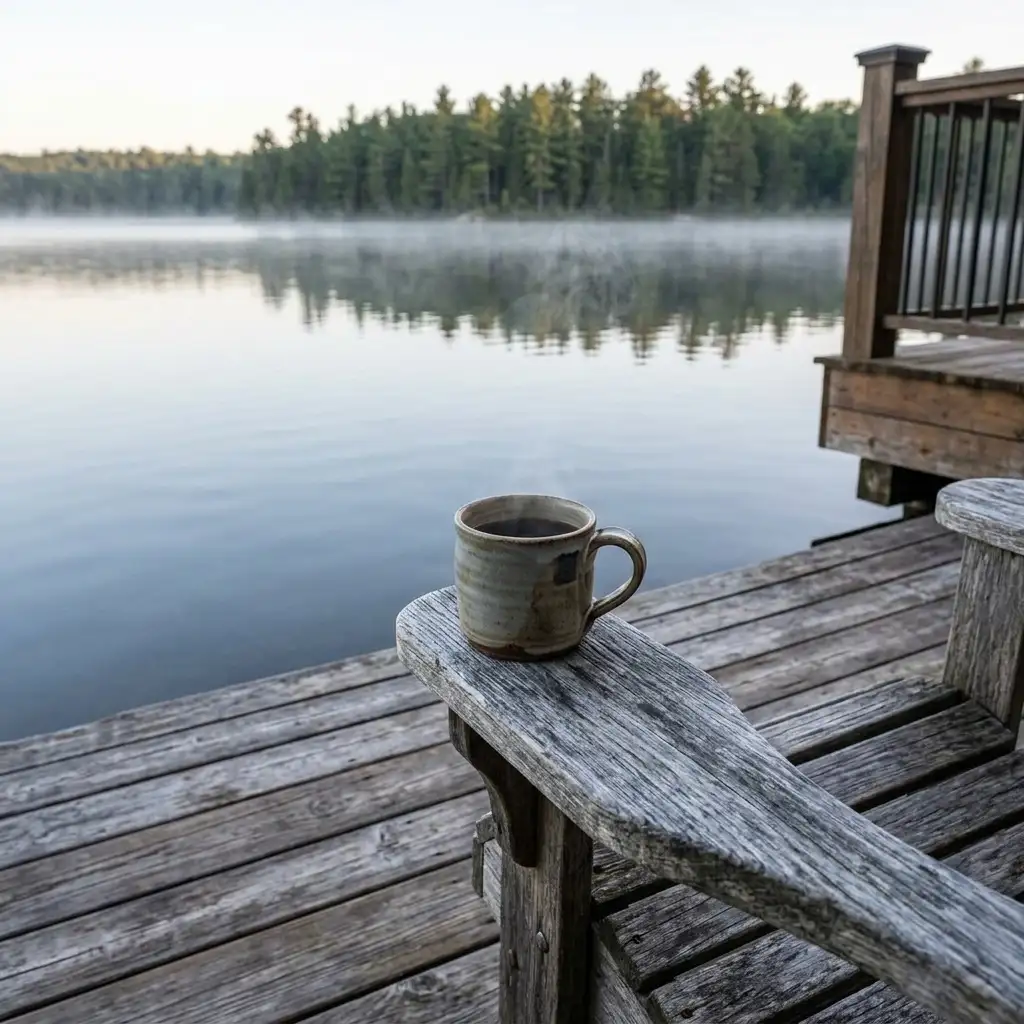
This is a suggested working schedule, not an algorithm rule or a promise of bookings. Adjust the frequency to what you can consistently review and publish.
Start with a small asset collection
Gather twelve to twenty current photos. Include the rooms, exterior, outdoor spaces, and details that help guests understand the stay. Choose images you have permission to use, and check that they still represent the property accurately.
- One exterior that makes the property easy to recognize.
- Two or three shared spaces, including seating and dining.
- A clear view of the sleeping arrangements.
- A useful amenity shown in context.
- A few details that reflect the season or the guest experience.
Your twelve-post starting calendar
| Week | Post one: the place | Post two: the experience | Post three: the invitation |
|---|---|---|---|
| 1 | Your property’s clearest introduction | A relaxed morning at the property | Who the stay is a good fit for |
| 2 | A useful kitchen or dining detail | A verified nearby activity | A specific available date range |
| 3 | Show the sleeping arrangements | Answer a common guest question | Invite people to explore the website |
| 4 | An outdoor space or seasonal feature | A real guest quote, with permission | A reason to plan a return visit |
Write one clear idea per post
A photo of a dining table doesn’t need a list of every amenity. Explain why that detail matters to the guest and offer one next step.
Room for a long breakfast before the day starts. Our dining table seats six, with the kitchen right beside it. See the full layout and available dates on our website.
This is an example, not a statement about your property. Replace the capacity and description with verified facts. Use the same discipline for distances, accessibility, pet rules, and nearby attractions.
30 vacation rental social media post ideas
When the calendar says “the place” or “the experience,” pick from this list. Each idea works with photos you can take on a normal turnover day. Skip any that aren’t true of your property.
The place
- The view from the spot guests walk to first.
- The sleeping arrangements, shown honestly, room by room.
- The kitchen detail cooks notice: the coffee setup, the knives, the big pot.
- The best seat for morning coffee.
- The same room after dark, with the lamps or the fire on.
- Something small you added because a guest asked for it.
The stay
- A realistic day at your place, from first coffee to last light.
- The rainy-day plan.
- What arrival looks like: the parking, the door, the first room.
- What to pack that guests always forget.
- The stay for a particular guest: families, dogs or grandparents, if you welcome them.
- What changes here from one season to the next.
The area
- The closest walk, trail or beach, with the real travel time from the door.
- Your favorite breakfast spot and what to order.
- Next month’s local events worth planning a trip around.
- The quiet time to visit a busy place nearby.
- Where to buy groceries on the way in.
- The drive or view guests describe to their friends.
Guests and you
- A guest quote, used with permission.
- The question guests ask most, answered plainly.
- What gets checked before every arrival.
- Why you started hosting.
- One house rule and the reason behind it.
- A thank-you to a local business you rely on.
Invitations
- A specific open weekend and who it suits.
- A midweek stay for people who can work remotely, if your internet is verified.
- A reason to bring the whole group, if the sleeping arrangements truly fit.
- Why the shoulder season is worth it here.
- A note to past guests that they can book with you directly next time.
- A “save this for your next trip” post that links to one of your local guides.
Caption templates you can adapt
Fill in the brackets with verified details. Keep the one clear idea, and link each post to the page where guests can act on it.
The place: [Detail] is the first thing guests mention. [Why it matters on a real stay]. See the photos and open dates on our website.
The experience: A [season] day here: [morning], [afternoon], [evening]. [Place] is [travel time] from the door. Plan yours on our website.
The question: Asked often: [question]? [Clear answer with your actual policy]. More answers on our website.
The invitation: [Dates] are open. A good fit for [who]. [One specific reason]. Check the dates and book on our website.
Past guests: If you’ve stayed with us before, you can book directly with us next time at [your website]. Same place, booked with the people who host it.
Several of these captions end with “our website.” If you don’t have a place for guests to book directly, that’s the gap to close first. STR Direct builds a direct booking website from your Lodgify calendar, and the direct booking website checklist covers what that site needs before you send posts to it.
Batch the decisions, not just the drafts
Set aside a short review session each week. Choose the photos, verify the details, approve the captions, and check the destination links. If availability changes after scheduling, update or remove a date-specific post.
Keep a simple record for each post: topic, photo, intended guest, CTA, publication date, and destination. Add a campaign tag to the link when your publishing setup supports it.
Judge the calendar by useful signals
First, check whether you kept the routine and saved time. Then review meaningful guest responses, website visits, inquiries, and bookings where your systems can connect them. A post with many views is not automatically a booking driver.
After a month, keep the themes that prompted useful interest and replace the ones you struggled to make specific. If open dates need attention, use our open-date campaign worksheet.
Make the next calendar easier
STR Social gives your property assets a starting point for content you can review and refine. Use this calendar as the brief for what you want to create next.